ilert
With our ilert integration, you can escalate to your operations team, whenever Tideways triggers a notification. Be it response time, error rate, heartbeat, or any other alert.
The integration with ilert works through the Webhook integration.
1. Create a new Alert Source
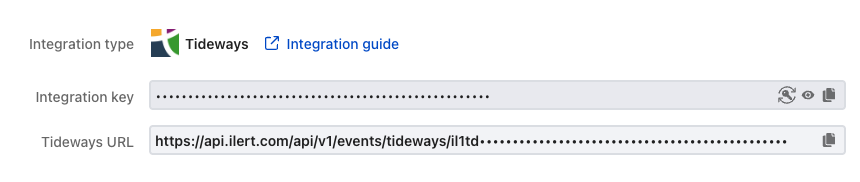
Go to "Alert Sources" and click on Create new alert source, choose "Tideways" from the list. Follow the instructions and configure all ilert specific options, until you reach Finish Setup. After you click it, you will be presented with a "Tideways URL". Copy the URL into your clipboard.
2. Create New Webhook Integration With ilert URL
Follow the steps in the webhook integration documentation to create a new integration with the URL copied from the previous step.
3. Create or Modify an Existing Notification to Use the ilert Integration
We recommend using all high-severity notifications to trigger ilert, so that your on-call operations team is alerted to performance degradations right away. You can choose the newly created webhook integration on any notification that supports webhooks.
Result
Once an ilert alert is triggered directly from a Tideways incident, you will see this in the ilert "Alerts" section:
